


How a team trip works
Start the trip
The city and the dates.
Send one link
To the whole team.
Everyone picks
No app and no account.
Get the plan
Day by day, ready for the calendar.
01
Everyone gets a say.
Colleagues swipe on real places from one link, and the places the team likes most become the plan.
- One link for the whole team
- Real places, with photos and hours
- Teams of up to 20


02
See what the team wants.
Before anything is booked, see what everyone loved, place by place, so the plan starts from a yes.
- Favorites ranked
- Who loved what
- No polls in the chat
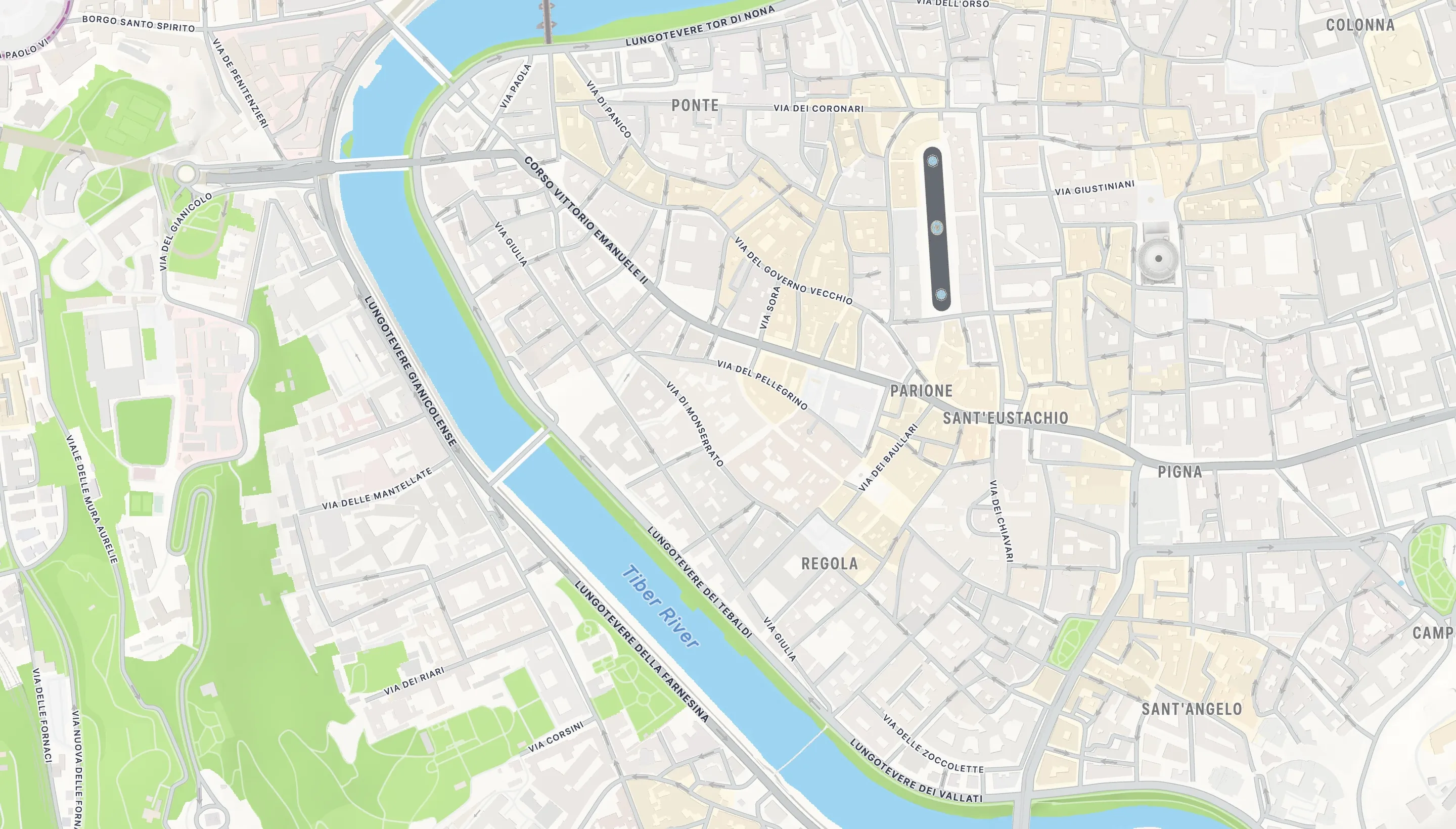
03
Plan the time off.
Plan just the free days, each in one part of town and in walking order, and add them to Apple or Google Calendar.
- Only the days you choose
- Walking order and opening hours
- Apple and Google Calendar
04
Stay close to the plan.
Every hotel shows how far the team would walk to the plan each day, and the team can pick it together.
- Hotels ranked by the walk
- Picked together
- Close to every day
05
Costs without the spreadsheet.
Log what everyone paid and pick who shares each cost, and the app works out who owes whom.
- Who paid for what
- Shared by the right people
- Settled once
Features
Group picking
One link. Everyone picks on their own phone.
Audio guides
The story behind each stop.
Calendar
Apple Calendar, Google Calendar or a PDF.
Events
Concerts, games and shows on your dates.
Hotels
Ranked by the walk to the plan.
Cost split
Who owes whom, worked out.
Live map
Colleagues who share, on the map.
Offline
The plan without a signal.
We organize it with you
Tell us about the trip.
The city, the dates and the team. We set up the trip, send you one link for everyone, and build the first plan with you.
Book a demo- Set up for you
- One plan for the whole team
- Teams of up to 20
Made for
HR and people teams
Offsites, retreats and team days.
Office managers
Trips for the whole office.
Team leads
The free day after a conference.
Event and community managers
Meetups and company trips.