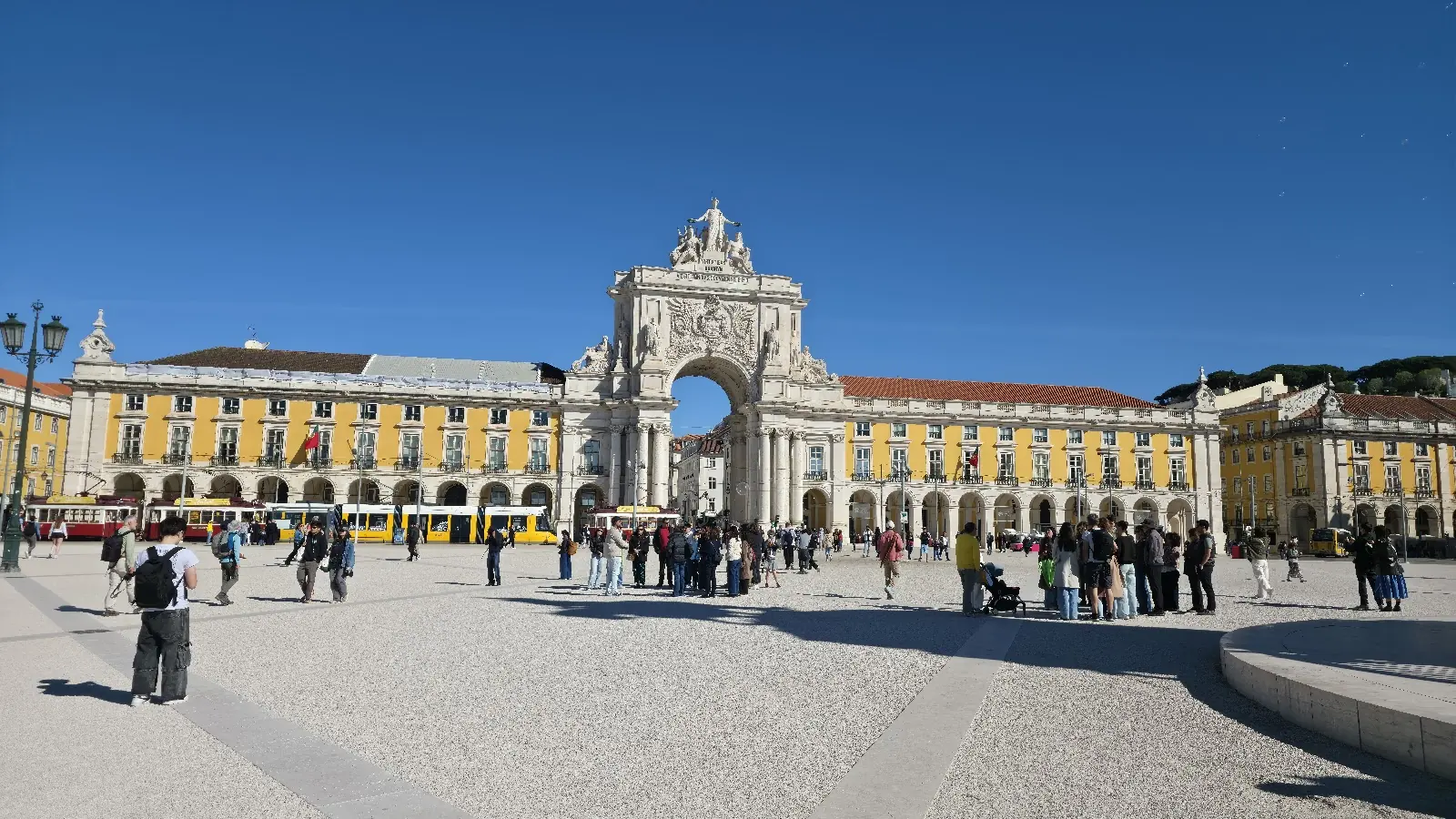
A shared itinerary is the one document every group trip needs: where you will be, when, how you get there, and what is already booked.
A group itinerary has to do more than a solo one. It has to work for people who were not in the planning chat, show who is in for what, and keep the bookings where everyone can find them. Here is a template that does, for a spreadsheet or a doc, and how to fill it in.
What a group itinerary needs
Every stop answers the same few questions, so the template is mostly a list of columns.
- Day and time, so everyone knows where to be.
- Place and area. The area matters more than it looks: it is how you keep each day in one part of town.
- Time there, so the day actually adds up.
- Getting there: walk, tram or taxi, and roughly how long.
- Booked? Whether it needs a ticket, and who has it.
- Cost each, for anything paid up front.
- Who's in. Not everyone does everything, and that is fine.
- Notes: closing days, dress codes, the meeting point.
The spreadsheet template
One row per stop, one column per question. Here is the template with one example day in Lisbon; replace it with your own.
| Day | Time | Place | Area | Time there | Getting there | Booked? | Cost each | Who's in | Notes |
|---|---|---|---|---|---|---|---|---|---|
| Day 1, Fri | 9:30 am | Castelo de São Jorge | Alfama | 1.5 h | Walk up from Baixa | Yes, Alex has the tickets | Everyone | Go early | |
| Day 1, Fri | 11:15 am | Miradouro de Santa Luzia | Alfama | 20 min | Walk downhill | Not needed | Free | Everyone | View over the river |
| Day 1, Fri | 12:30 pm | Lunch | Alfama | 1 h | Walk | Everyone | Near the viewpoint | ||
| Day 1, Fri | 2:30 pm | Carmo Convent | Chiado | 1 h | Tram or taxi | Buy on the day | Sam, Jo | The roofless church | |
| Day 1, Fri | 2:30 pm | Shopping | Chiado | 2 h | Tram or taxi | Alex, Riley | Meet at the Carmo at 5 | ||
| Day 1, Fri | 8:00 pm | Dinner | Bairro Alto | 2 h | Walk | Table for 4 | Everyone |
Copies as columns. Click the first cell of an empty Google Sheet or Excel file and paste.
Freeze the top row and give each day its own color. A filter on “Who's in” then shows each person their own plan, and a sum under “Cost each” shows what everyone owes before you leave.
The day-by-day template
A doc reads better on a phone than a spreadsheet does, so many groups keep both: the sheet for planning, the doc for the trip itself.
Paste it into Notion, where the headings and lists turn into blocks, or into any shared doc or note.
# Lisbon with friends, May 14 to 17
Who: Alex, Sam, Jo, Riley
Stay: [address] · check-in [time] · host [phone]
Getting there: [who arrives when]
Shared costs: [where you log them]

## Day 1, Friday: Alfama and the castle
Morning
- 9:30 am Castelo de São Jorge (tickets: Alex has them)
- 11:15 am Miradouro de Santa Luzia (free viewpoint)
Lunch
- 12:30 pm somewhere in Alfama
Afternoon (split up)
- Sam and Jo: Carmo Convent
- Alex and Riley: shopping in Chiado
- 5:00 pm meet at the Carmo
Evening
- 8:00 pm dinner in Bairro Alto (table for 4)

## Day 2, Saturday: [area]
Morning
-
Lunch
-
Afternoon
-
Evening
-

## Bookings
- [what] · [who booked it] · [confirmation] · [cost each]

## To do before we go
- [ ]
How to fill it in
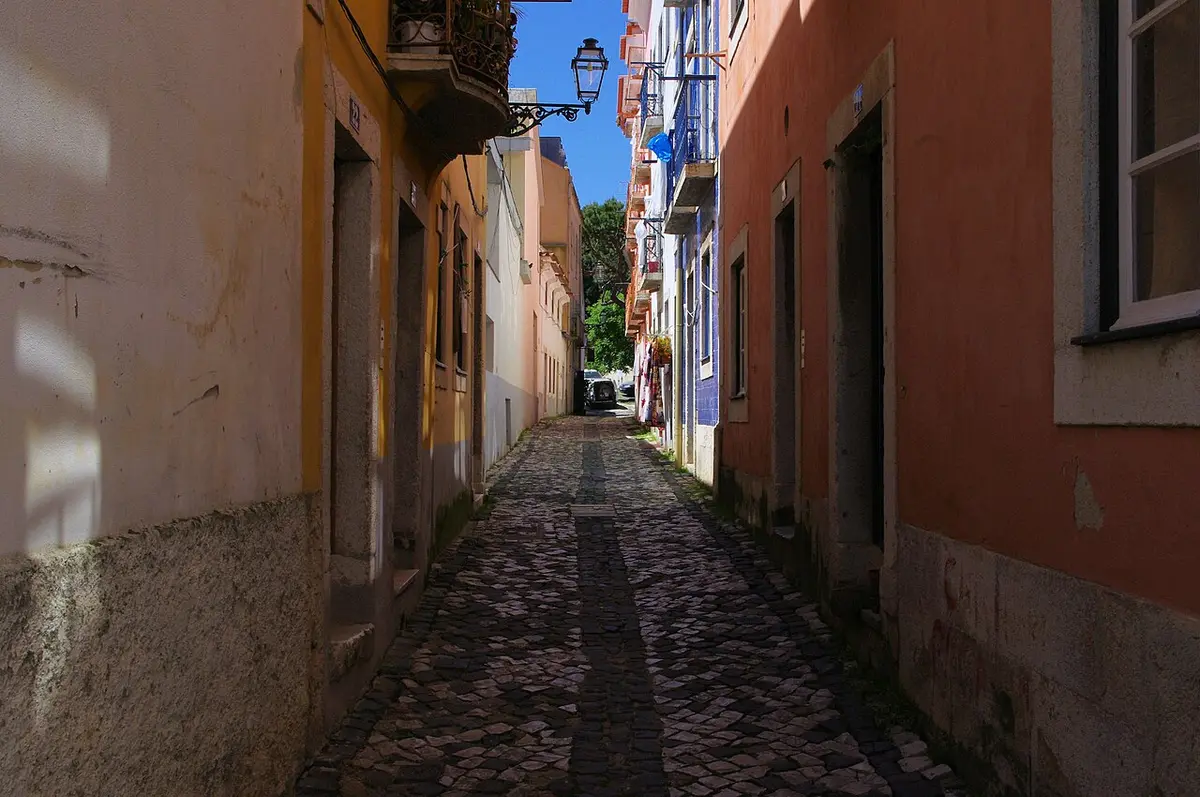
The template is the easy part; filling it in is where the hours go. These habits keep it quick and the days calm.
- Start from what the group wants. Collect everyone's must-dos first (a short survey helps), not a top ten list from the internet.
- Plan by neighborhood, not by sight. One area per half day keeps the walking short.
- Check the closing days. Many museums close one day a week, and some sights need tickets booked well ahead.
- Put meals where you will be. Pick lunch near the morning's last stop, not across town.
- Leave a free block each day. Someone will want a nap, a swim or a second coffee.
- Mark what is optional. Let people split up for an afternoon and meet again for dinner.
- Share one link, not a screenshot. A screenshot is out of date the moment someone changes a time.
Or let the plan build itself
Filling in the template is the slow part, and SwipeSights does it from the group's votes. Everyone swipes through real places in the city: right to like, up for a must-see, left to skip.
The plan comes back in the same shape as the template: days grouped by area, each day in walking order, around opening hours, with lunch and dinner near the stops. With Premium you can edit it, take it offline and print it as a PDF.
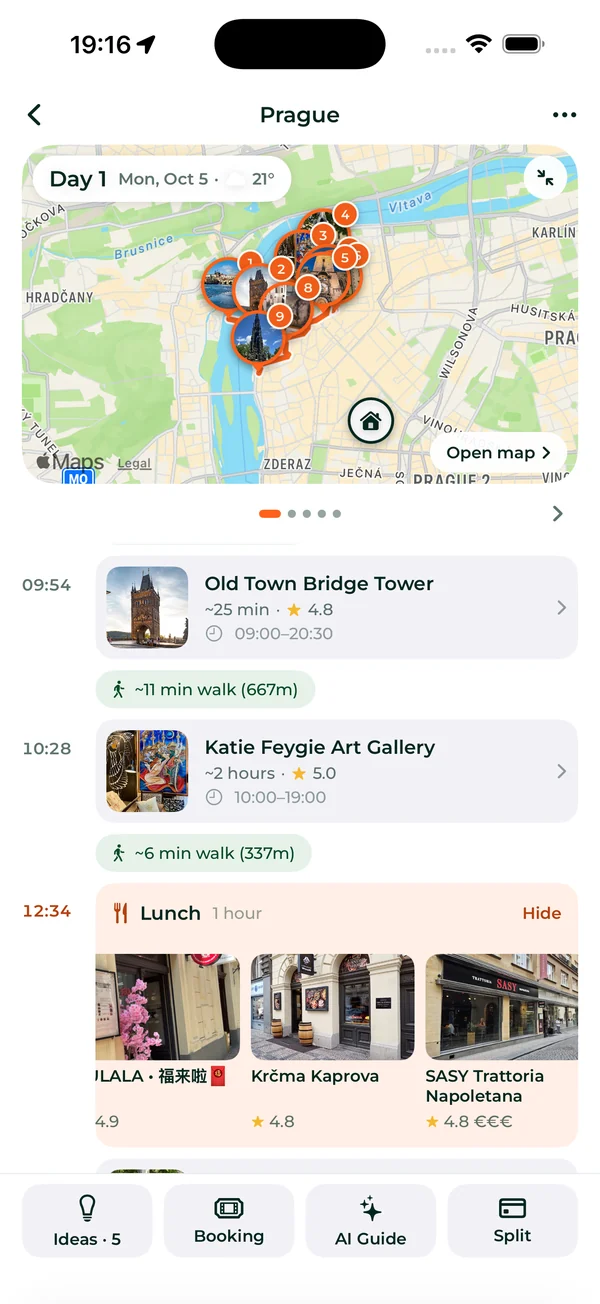
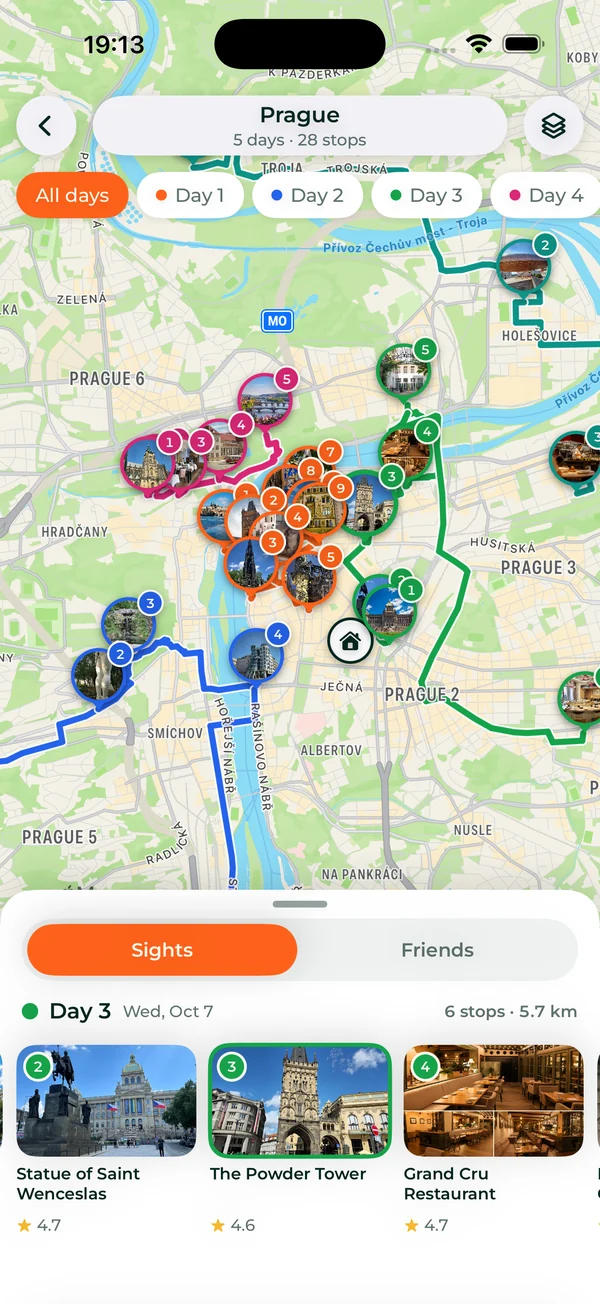
Some groups use both: SwipeSights for the votes and the days, and a sheet for flights and who brings what.
Frequently asked questions
What should a group trip itinerary include?
For each stop: the day and time, the place and its area, how long you will stay, how you get there, whether it is booked and who has the tickets, the cost each, who is in, and any notes. Put the stay, the arrivals and a list of bookings at the top.
Is there a free group trip itinerary template?
Yes, on this page: spreadsheet columns that paste into Google Sheets or Excel, and a day-by-day layout for Notion or any doc. Both are free to copy.
Google Sheets or Notion for a group itinerary?
Sheets is better for planning: sorting, filtering by who is in, and adding up costs. Notion or a doc is easier to read on a phone during the trip. Many groups plan in a sheet and travel with the doc.
How much should we plan in a day?
Plan by area rather than by count: a morning in one neighborhood, an afternoon in the next, lunch in between and one free block. Packed days work for a weekend; on a longer trip, slower days last better.
Can an app make the itinerary for us?
Yes. SwipeSights builds it from the group's votes: days grouped by area, each in walking order, around opening hours, with meals in between. Apps like Wanderlog and Stippl let you build it yourself, with help ordering the stops on their paid plans.


SwipeSights: plan the whole group trip together.